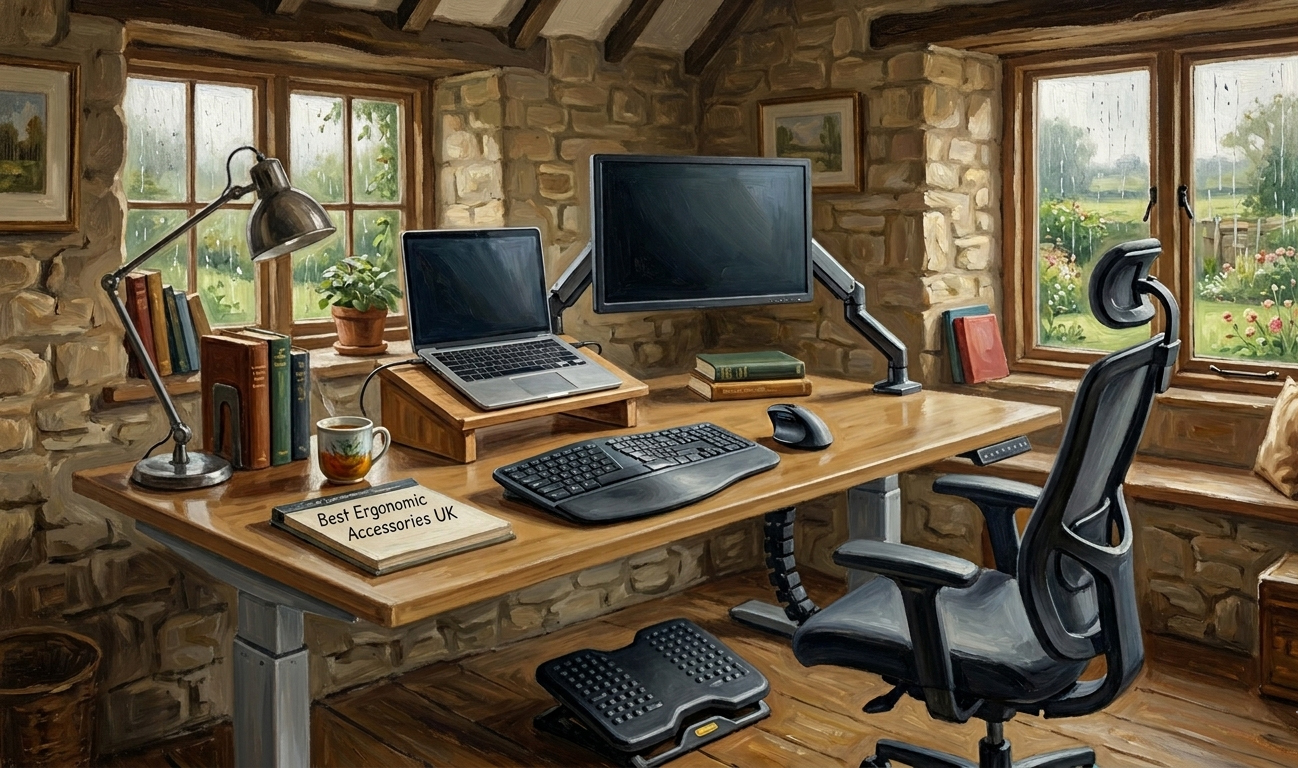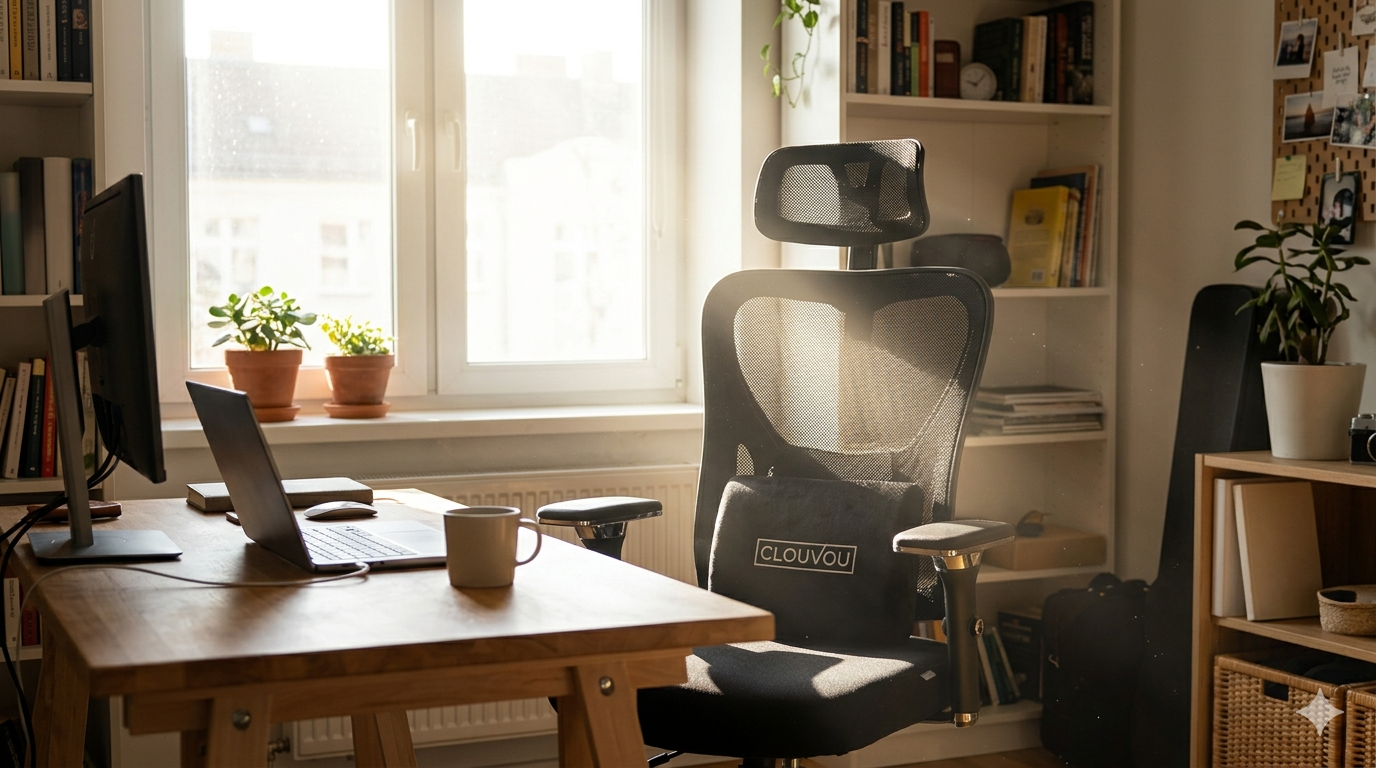

Last Updated: May 2026. We research independently. Some links are affiliate links — this costs you nothing and helps fund our work.
Back pain is the most common reason UK adults seek medical help, and for desk workers it is largely a workspace problem rather than a medical one.
The physical structure of the spine is not the primary issue for most desk workers — the way the workspace is configured is. A poorly set up workstation creates sustained mechanical stress on the lumbar spine, neck, and surrounding musculature that accumulates predictably into pain. A well-configured workstation removes that stress.
Quick links:
The important insight: Back pain from desk work is a system problem. Fixing one component while leaving others unaddressed produces partial relief at best.
The Five Elements of a Pain-Free Workstation
| Element | What it determines |
|---|---|
| 1. The chair | Lumbar support, spinal position during seated work |
| 2. Desk height | Arm and shoulder position → upper back/neck tension |
| 3. Monitor position | Head and neck posture throughout the day |
| 4. Keyboard and mouse | Wrist, forearm, and shoulder loading |
| 5. Movement | No static setup eliminates need for postural variation |
Missing any one of these limits the benefit of getting the others right.
Element 1: The Chair — The Foundation
The chair is the starting point for any back pain intervention because it has the most direct and continuous impact on spinal loading.
A chair without adjustable lumbar support cannot adequately address back pain — regardless of how it is positioned.
What the chair must provide:
| Feature | Why it matters |
|---|---|
| Adjustable lumbar support | Maintains lower back curve passively without muscular effort. Single most important feature. |
| Seat height adjustment | Allows feet flat on floor, thighs parallel, knees at 90° |
| 4D armrests | Eliminates shoulder elevation → reduces upper back/neck tension |
| Breathable mesh back | Prevents heat discomfort during 6+ hour sessions |
Chair setup checklist:
☐ Feet flat on floor, thighs parallel, knees at 90°
☐ Lumbar support pressing firmly into inward curve of lower back
☐ Armrests at shoulder-relaxed, elbows-at-90° height
☐ Recline tension allowing natural movement without collapse
👉 See: Best Ergonomic Chairs for Back Pain UK →
👉 See: Best Ergonomic Chairs Under £500 UK →
👉 See: Best Ergonomic Chairs Under £300 UK →
Element 2: Desk Height — Most Commonly Wrong
Desk height is the most consistently incorrect element in UK home office setups. Most standard desks are manufactured at 72–75cm — a height calibrated for an average-height user in an average-height chair.
The correct desk height allows:
Forearms roughly parallel to floor when sitting correctly
Shoulders fully relaxed
Elbows at approximately 90 degrees
Signs your desk height is wrong:
| Problem | Cause | Fix |
|---|---|---|
| Shoulders elevated when using keyboard | Desk too high | Raise chair + add footrest |
| Hunching forward/downward to reach keyboard | Desk too low | Desk riser or height-adjustable desk |
Fixing desk height issues:
| Situation | Solution | Cost |
|---|---|---|
| Desk too high | Raise chair + footrest | £15–£30 |
| Desk too low (temporary) | Desk riser | £20–£40 |
| Desk too low (permanent) | Height-adjustable standing desk | £150–£400 |
For back pain specifically: A height-adjustable standing desk enables sit-stand alternation — the most significant desk-related ergonomic improvement available.
👉 See: Best Standing Desks UK →
👉 See: Sitting vs Standing Desk UK →
Element 3: Monitor Position — Fixes Neck and Upper Back Pain
Monitor position is the most directly addressable cause of neck and upper back pain — and the most consistently wrong element in UK home office setups.
The problem:
A monitor flat on a desk positions the screen at chest height → sustained downward gaze → forward head posture → cervical spine load.
Over six hours, the cumulative load is significant — producing the neck stiffness, upper back tension, and headaches many desk workers accept as unavoidable.
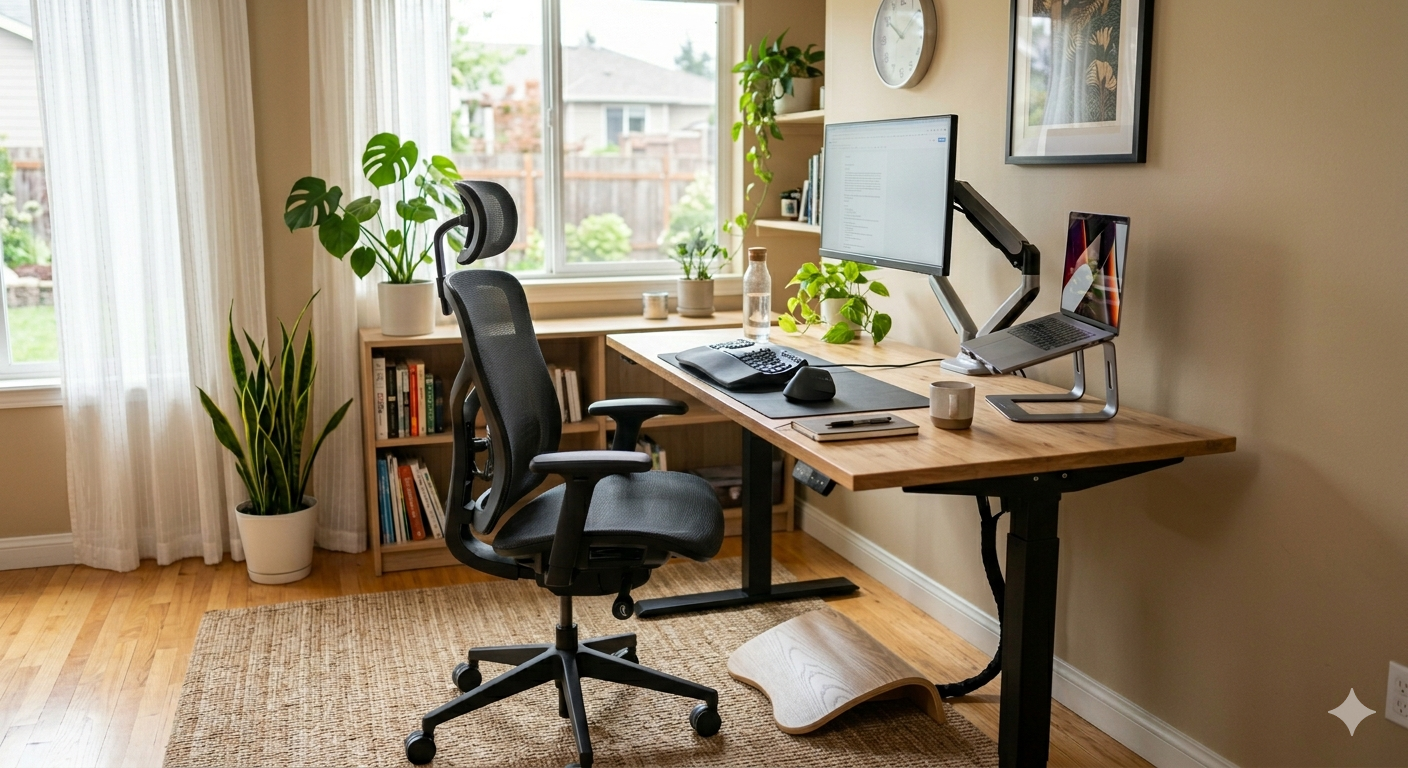
Correct monitor position:
| Setting | Correct value |
|---|---|
| Height | Top of screen at approximately eye level |
| Gaze | Centre of screen at very slight downward angle |
| Distance | Arm’s length — approximately 50–70cm |
| Position | Directly in front, not angled to one side |
The fix:
| Solution | Cost | Best for |
|---|---|---|
| Monitor riser | £20–£35 | Single monitor, simple fix |
| Monitor arm | £25–£50 | Precise positioning, frees desk space |
| Laptop stand + external keyboard | £25–£50 | Laptop users |
The improvement is immediate. Most users who correct monitor height report relief from neck tension within the first day.
Element 4: Keyboard and Mouse Position
Keyboard and mouse position affects shoulder, upper back, and wrist loading — contributing to postural patterns that produce back pain.
Correct positioning:
| Item | Correct position |
|---|---|
| Keyboard | Close enough that you’re not reaching forward. Elbows at 90°. Wrists neutral. |
| Mouse | Directly beside keyboard at same height. Not reaching across desk. |
| Wrist rest | Used between typing periods, not during active typing. |
What goes wrong:
| Mistake | Consequence |
|---|---|
| Reaching forward to type | Shoulder protraction → upper back rounds → increased lumbar load |
| Mouse too far right | Sustained lateral shoulder extension → upper back rotation |
| Wrists bent during typing | Wrist strain, forearm fatigue |
Element 5: Movement — Non-Negotiable
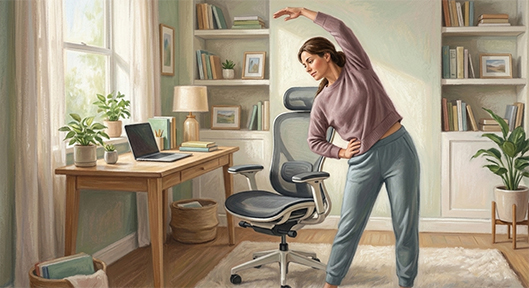
The most comprehensively configured workstation does not eliminate the need for regular postural variation.
The human body is not designed for sustained static postures. Even correct ergonomic sitting creates cumulative load over extended periods.
Practical movement targets:
| Target | Why |
|---|---|
| Stand or walk for 5+ minutes every hour | Resets posture, improves circulation |
| Never sit more than 45 minutes without a break | Prevents cumulative strain |
| Phone reminder for first 2 weeks | Builds the habit |
| If using standing desk: stand 10–15 minutes per hour | Minimum effective target |
This does not require a standing desk. Standing up, walking to make a drink, and returning to a different sitting position achieves the postural reset.
👉 See: How to Reduce Back Pain at a Desk UK →
Complete Back Pain Office Setup: Product Recommendations
| Component | Recommendation | Price Range |
|---|---|---|
| Chair (best value) | SIHOO M57 | £180–£300 |
| Chair (premium) | Clouvou Clever Seat | £300–£450 |
| Standing desk | MAIDeSITe Electric or FlexiSpot E1 Plus | £150–£420 |
| Monitor position (budget) | BONTEC Monitor Riser | £20–£35 |
| Monitor position (premium) | Huanuo Monitor Arm | £25–£80 |
| Footrest | Huanuo Adjustable Footrest | £15–£30 |
👉 See: Best Ergonomic Desk Setup Bundle UK →
Common Setup Mistakes That Cause or Worsen Back Pain
| Mistake | Why it’s wrong |
|---|---|
| Treating chair as complete solution | Chair addresses seated posture. Desk height, monitor position, movement each contribute independently. |
| Sitting in new chair without adjusting it | Default configurations aren’t set for your body. An unadjusted ergonomic chair delivers fraction of potential benefit. |
| Accepting monitor height as fixed | £25 riser to eye level often provides more neck relief than any accessory at 10x price. |
| Sitting longer in comfortable setup | Common and counterproductive. Chair reduces discomfort rate — doesn’t eliminate need for movement. |
| Prioritising appearance over function | Executive leather chair with no lumbar support provides no ergonomic benefit. Adjustability > looks. |
Final Verdict
A pain-free workstation in the UK is not a single product purchase — it is a system of correctly configured components working together.
| Element | Role |
|---|---|
| Chair | Provides lumbar support |
| Desk | Correct height for chair and body |
| Monitor | At eye level |
| Keyboard/mouse | Close, at correct height |
| Movement breaks | Interrupt sustained static posture |
Build the system in priority order — chair first, then monitor height, then desk height, then movement habits — and most desk workers experience significant and lasting relief within 2–4 weeks.
👉 See: Best Ergonomic Chairs for Back Pain UK →
👉 See: How to Reduce Back Pain at a Desk UK →
👉 See: Best Standing Desks UK →
Frequently Asked Questions
What is the best office setup for back pain in the UK?
An ergonomic chair with adjustable lumbar support, a desk at correct height, a monitor at eye level, keyboard/mouse close at elbow height, and deliberate movement breaks every 30–45 minutes. All five elements working together produce reliably better results than any single component in isolation.
Do I need a standing desk for back pain?
Not essential, but highly beneficial. A standing desk enables sit-stand alternation — the most impactful desk-related improvement for back pain. A good ergonomic chair is the higher priority; a standing desk is the valuable second step.
What causes back pain at a desk?
Four factors almost always present in combination: inadequate lumbar support from chair, sustained forward head posture from low monitor, desk height forcing shoulder elevation/hunching, and sustained sitting without postural breaks.
How quickly does an ergonomic setup improve back pain?
Most users experience meaningful improvement within 2–4 weeks of consistent correct setup and regular movement breaks. Immediate improvement in neck tension from correcting monitor height is common within the first day.